RealTime Voice
There are two core functionalities available in the multi-agent RealTime Voice feature.
| Functionality | Description |
|---|---|
| Disable RealTime Voice | To disable RealTime Button in the Multi Agent |
| Enable RealTime Voice | To enable voice input in chat widget for seamless interaction with multi agents through voice commands. |
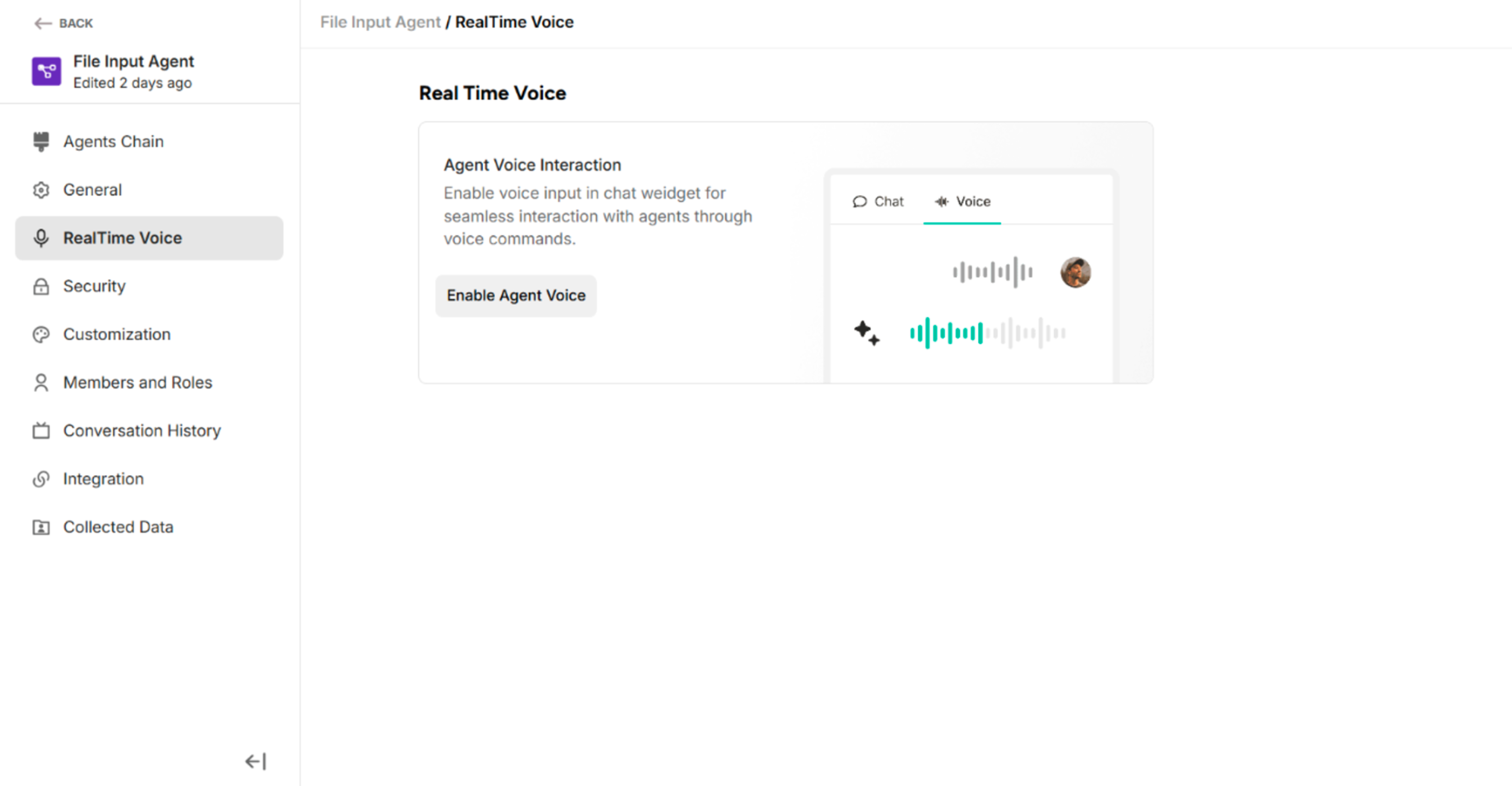 Figure: RealTime Voice with Disable Condition in Managed Setting Interface
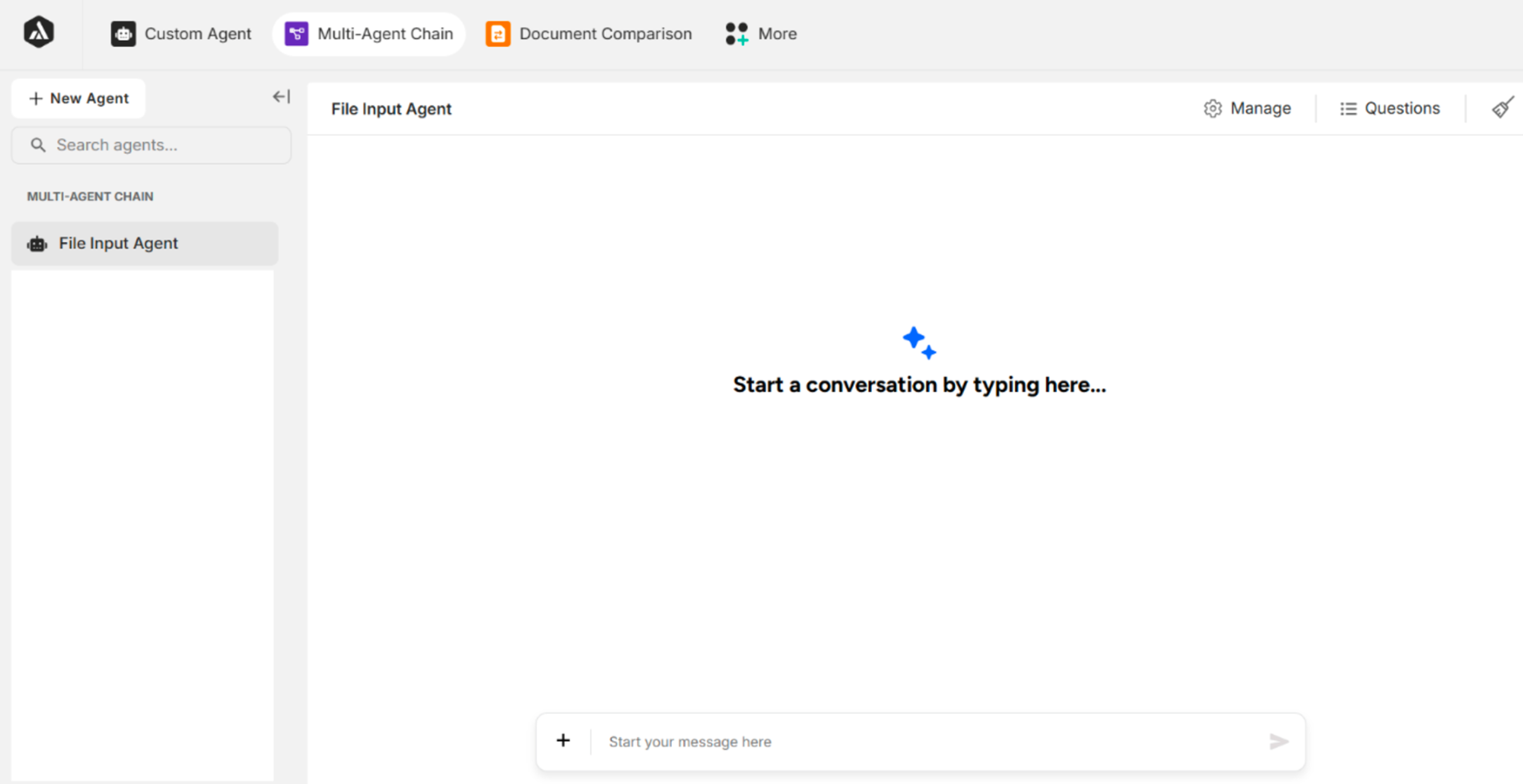 Figure: RealTime Voice Tab is Disappeared in the Chat Panel when disabling the RealTime Voice of Managed Settings
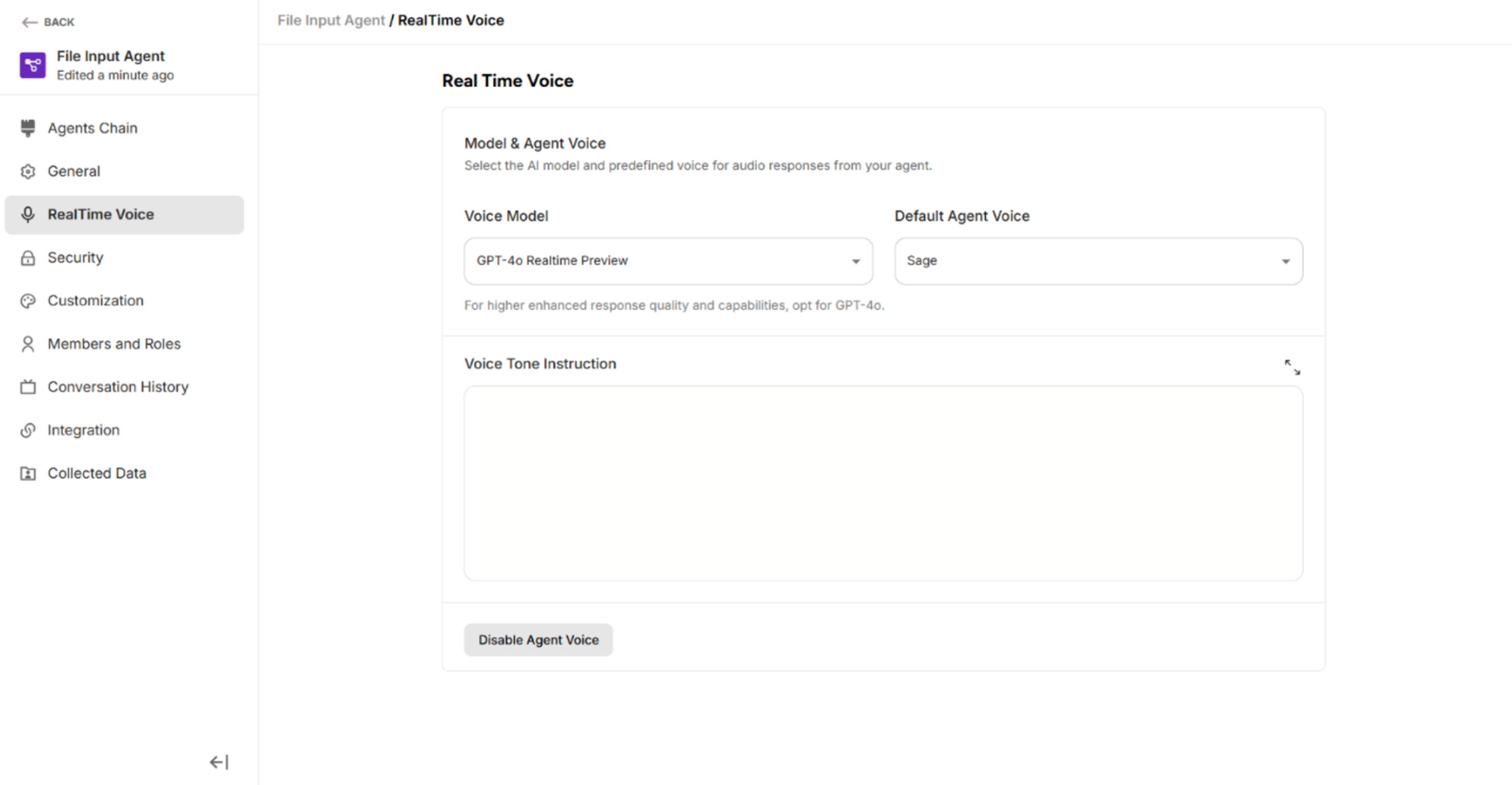 Figure: RealTime Voice with Enable Condition in Managed Setting Interface
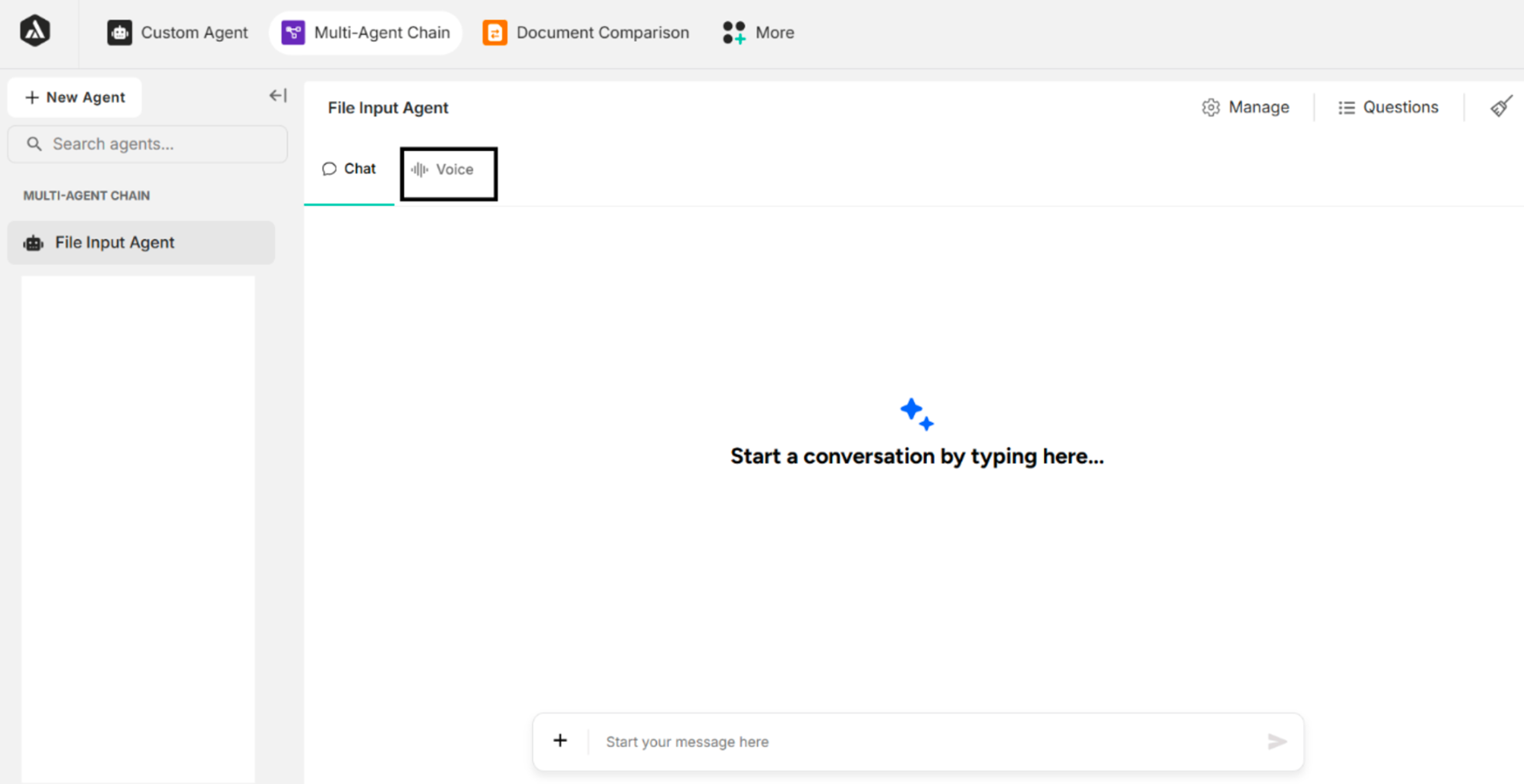 Figure: RealTime Voice Tab is appeared in the Chat Panel when enabling the RealTime Voice of Managed Settings
3.1. Voice Model of the RealTime Voice
| No | Voice Model |
|---|---|
| 1 | GPT-4o Realtime Preview (Default Model for LLM Models except Gemini) |
| 2 | GPT-4o Mini Realtime Preview |
| 3 | GPT Realtime |
| 4 | GPT Realtime Mini |
| 5 | Gemini 2.5 Flash Native Audio Preview 09 2025 (Default Model for Gemini) |
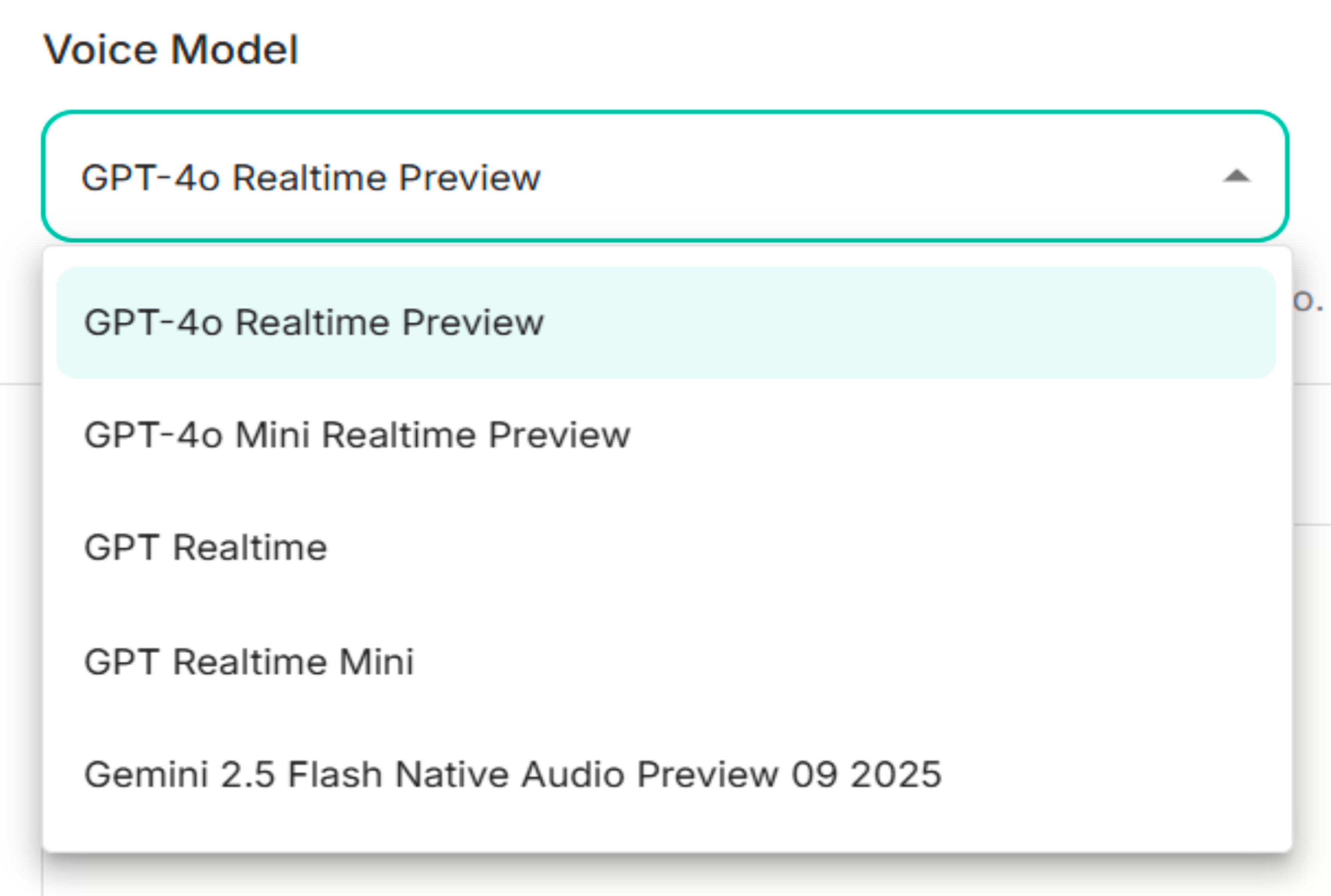 Figure: Voice Models of RealTime Voice
3.2. Default Agent Voice
| No | Agent Voice |
|---|---|
| 1 | Sage (Default) |
| 2 | Shimmer |
| 3 | Alloy |
| 4 | Ash |
| 5 | Ballad |
| 6 | Coral |
| 7 | Echo |
| 8 | Verse |
Table: Agent Voice of RealTime Voice
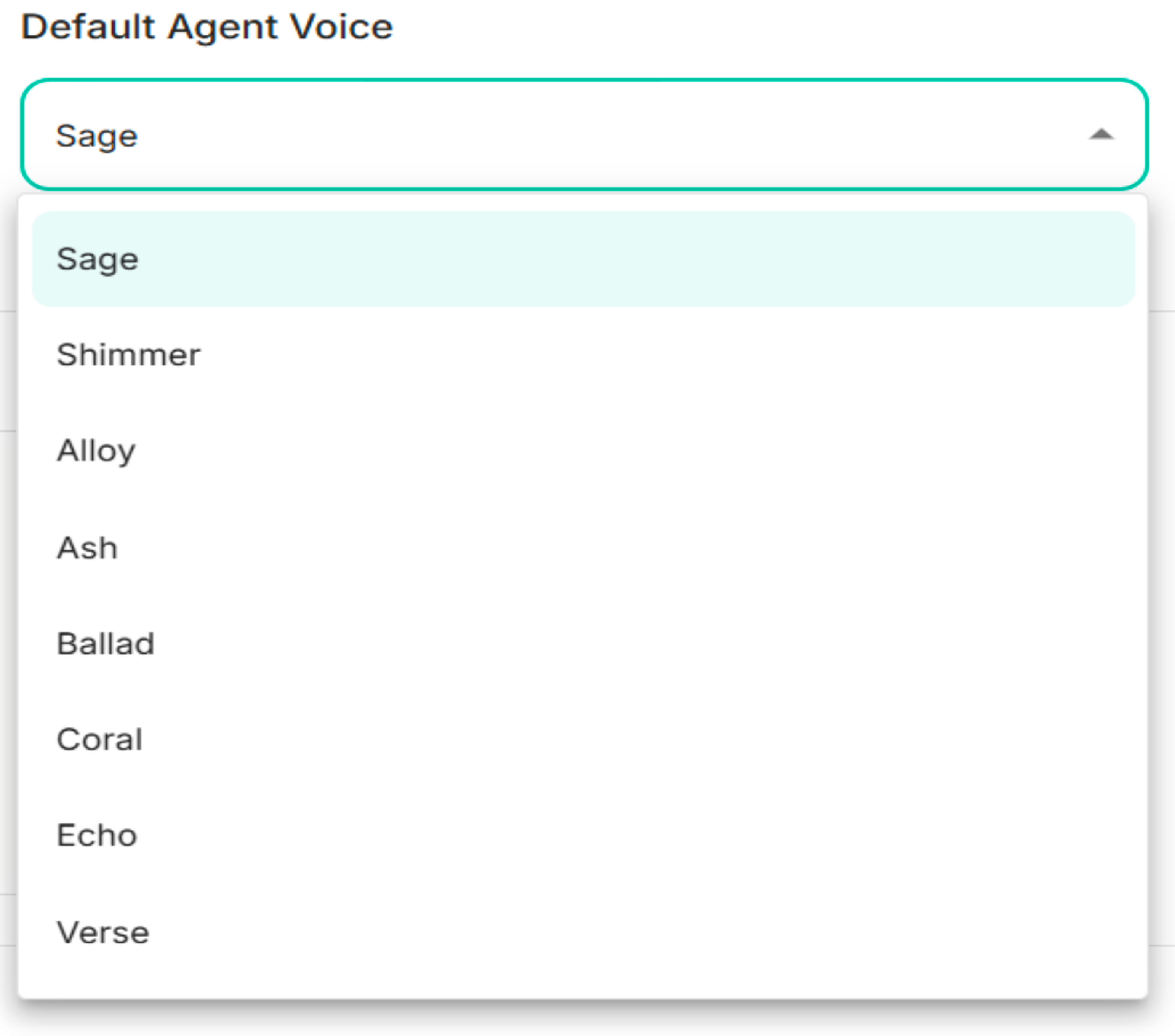 Figure: Agent Voice of the RealTime Voice
3.3. Voice Tone Instruction
The voice tone instruction can be added to control and customize the voice tone of Multi Agent.
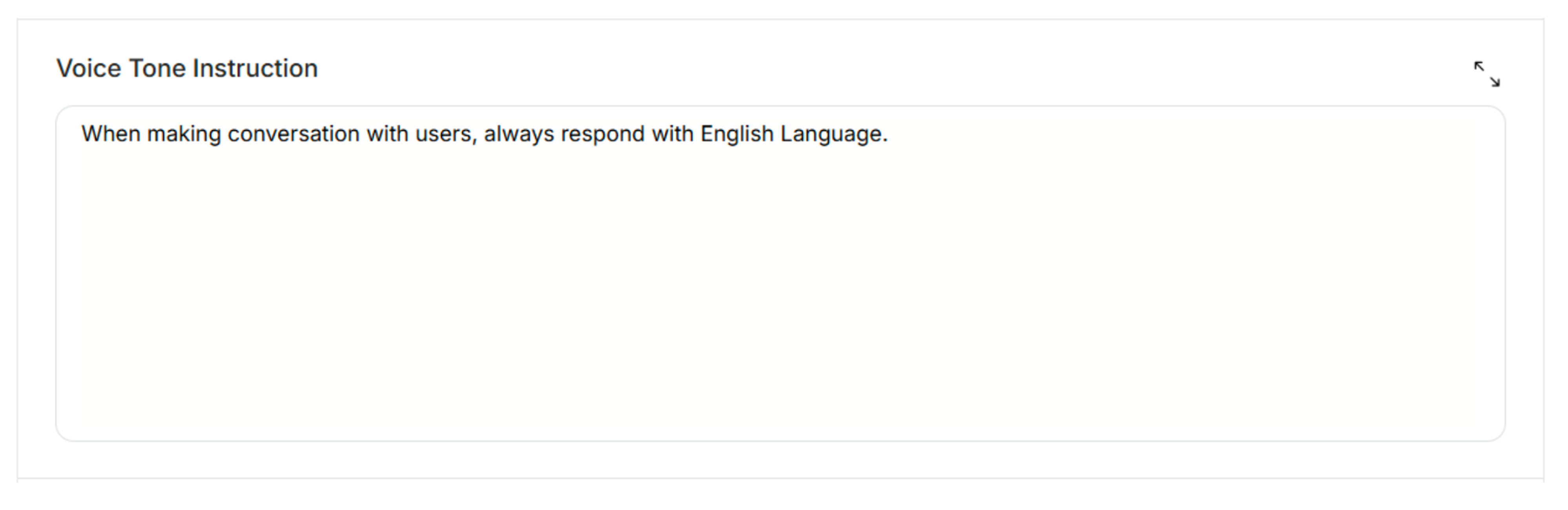 Figure: Voice Tone Instruction of the RealTime Voice